
Guest Instructor · SCSS · Animations · Chrome DevTools
Modern Animations with SCSS —
OpenClassrooms Student Webinar
Invited to lead a live student webinar for OpenClassrooms covering modern CSS animations built with SCSS/SASS — including transitions, @keyframes, the 12 principles of animation applied to the web, and Chrome DevTools for debugging animation performance.
The Webinar
Animation principles built with SCSS
On December 10, 2020, I delivered a live student webinar for OpenClassrooms as Part 2 of the CSS & SASS series — this time focused on building modern animations using SCSS/SASS, extending the course with live CodePen demos and a Chrome DevTools deep dive into animation performance.
The session covered animation theory grounded in the 12 principles — using the Walt Disney/Mickey Mouse example to show how complex, believable motion is built from simple shapes and speed curves — then moved into practical CSS implementation with transitions, @keyframes, and the transform property.
One practical rule I emphasized throughout: each CSS selector can only have one transform property. Because of CSS cascading, a second transform on the same selector will cancel out the first — a common source of bugs for students just learning animations.

The Content
What I covered
Classic animation theory meets SCSS-powered implementation — grounded in live CodePen demos and real browser debugging.
12 Principles of Animation
Introduced the classic Disney animation principles — squash and stretch, anticipation, staging, follow-through, and more — and showed how each maps to modern CSS and web animation practice.
How the Browser Renders CSS
Walked through the four browser rendering steps — style, layout, paint, and composite — explaining which CSS properties trigger expensive repaints and how to write animations that stay on the compositor.
CSS Transitions
Covered the four ingredients of a CSS transition — the property to animate, its before and after values, duration, and a pseudo-selector trigger — with live CodePen examples showing each in action.
@keyframes Animations
Moved beyond simple A-to-B transitions into multi-stage @keyframes animations — building a progress bar example to show how to create multiple waypoints throughout an animation sequence.
CSS Transforms
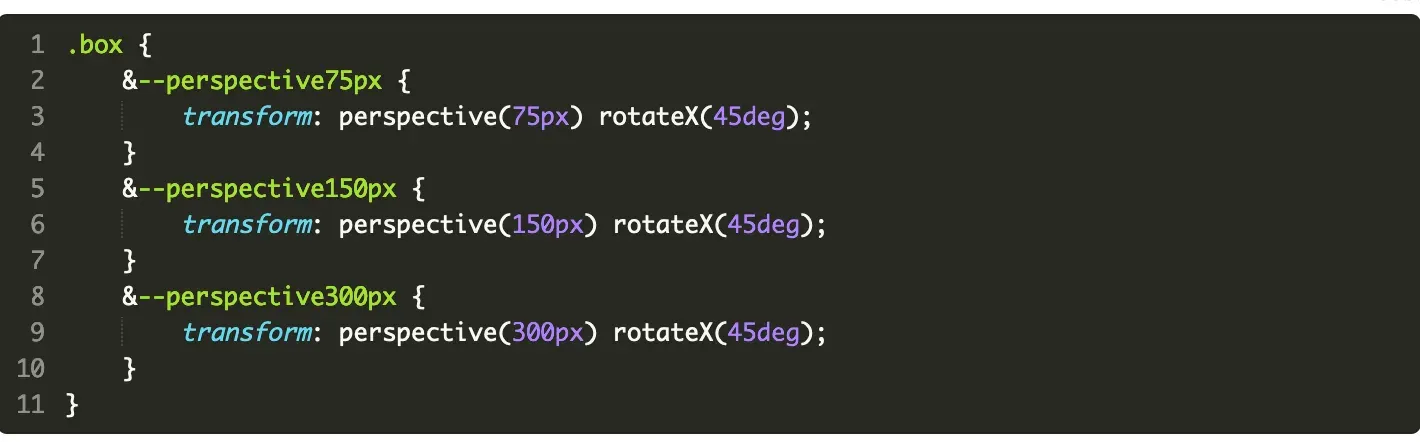
Demonstrated the transform property with perspective and rotateX — showing how 3D transforms work in CSS and how BEM modifiers can be used to create variants from a single base style.
Chrome DevTools for Animation
Used the Chrome DevTools animations panel to inspect, slow down, and profile animations — showing how to find jank, identify dropped frames, and use CPU throttling to test on slower devices.
Live Demo
Transforms, perspective, and BEM modifiers
One of the session's live demo highlights was combining CSS transforms with BEM-style modifier classes — using perspective() and rotateX() to create 3D effects and modifier
variants like &--perspective75px to apply
different depths.
This reinforced the BEM naming convention from the previous webinar while introducing new CSS functionality — giving learners continuity across sessions and showing how the naming system scales into complex components.
All examples were built live in CodePen so students could fork them, experiment, and keep the reference for later.
Resources Shared
Tools and libraries covered in the session
Throughout the webinar I shared a curated set of resources to help students go deeper on CSS animations — from quick-reference cheatsheets to full animation libraries used in professional work.
CSS Animation Cheatsheet
A quick-reference summary of CSS animation properties and values
Animate.css
A popular ready-to-use animation library for common effects
Loaders.CSS
A collection of loading animations to deconstruct and learn from
Motion UI
Foundation's animation library — useful if you prefer not to write animations from scratch
GreenSock (GSAP)
A professional JavaScript animation library — where CSS animation skills lead next
Catch a Fire
A nonprofit platform I recommended for building real portfolio work while helping organizations
Webinar Recording
Watch the Session
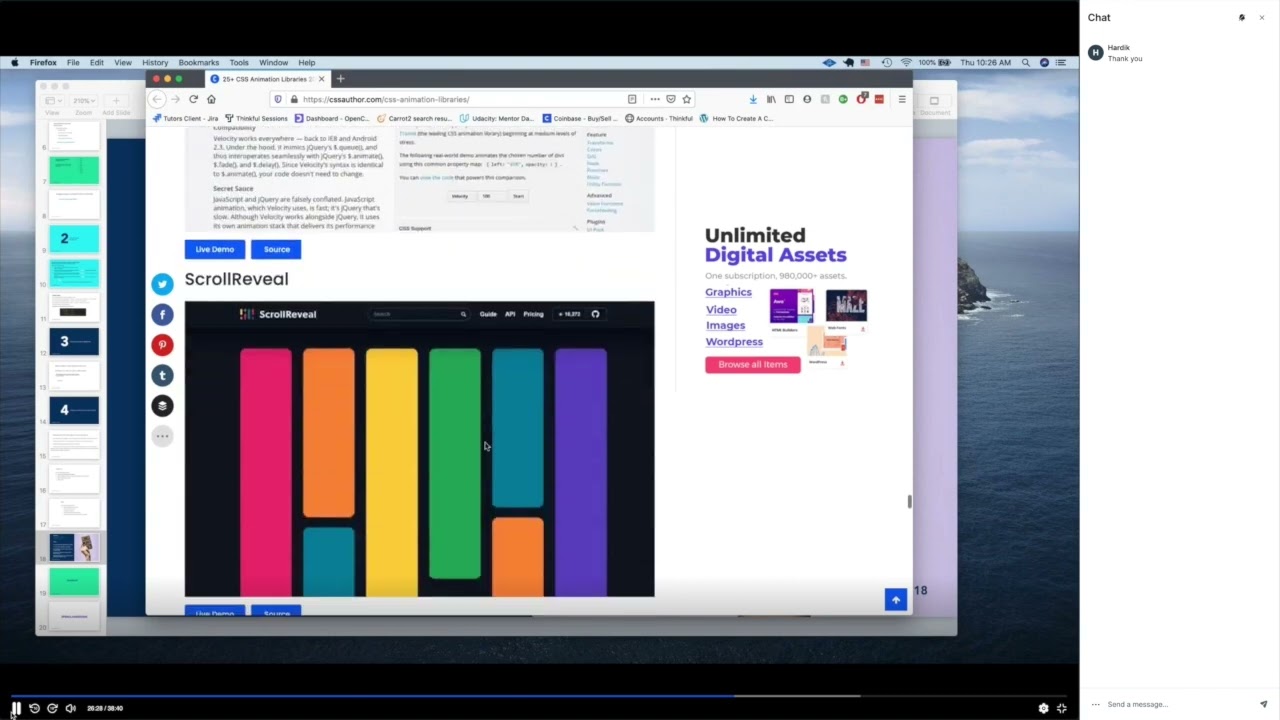
Sample recording of the live Modern CSS Animations student webinar, December 10, 2020.
Reflection
Teaching animation as a performance discipline
What makes SCSS particularly powerful for animation is the same thing that makes it powerful for any stylesheet — structure. Nesting keeps animation code tied to its component, variables make easing and duration consistent, and BEM modifiers let you create animation variants without duplicating @keyframes blocks.
This session was also a chance to show learners how the Chrome DevTools animation panel reveals what's actually happening under the hood — making it possible to tune timing, catch jank, and test performance across slower devices.
Live student webinar on modern animations with SCSS/SASS, delivered for OpenClassrooms, December 10, 2020.
2020
OpenClassrooms
Live Student Webinar
CSS Animations · @keyframes · DevTools
Global Audience — US & Europe
Keep Exploring
More OpenClassrooms webinars
Interested in working together?
I'm currently available for remote instructional design and eLearning development contracts.