
Live Instruction · JavaScript · DOM · Scroll Events · Masterschool
Landing Page Project —
JavaScript DOM, Scroll Events & Active States
A live ~32-minute open gym session with Masterschool students on the Udacity Landing Page project — covering dynamic nav generation with JavaScript, getBoundingClientRect() for viewport detection, scrollIntoView() for smooth scrolling, and toggling active state classes as sections come into view.
The Session
Open gym — bring your questions
The Udacity Landing Page project is the point in the curriculum where JavaScript stops being abstract and starts being something students have to wire up themselves. The requirement sounds straightforward — build a navigation menu dynamically, scroll to sections on click, highlight the active section as you scroll — but it pulls together DOM manipulation, event listeners, viewport detection, and CSS class toggling all at once.
This session ran as an open gym: no fixed agenda, students could bring whatever they were stuck on. I came with content ready to share but made space for questions first. When it became clear students were just starting to look at the project, I walked through the key concepts live — querying the DOM, building the nav with JavaScript the same way they had built the pixel art grid, and then demoing scrollIntoView() and getBoundingClientRect() in VS Code with the browser console open.
The session included real back-and-forth: students asked about ID naming conventions, how to select elements, and whether an if statement could handle the color change logic. Those questions shaped the direction of the demo.
~32
minutes · live session
Masterschool Coding Bootcamp
JavaScript · DOM · Udacity Curriculum
International cohort · Open gym format
The Content
What the session covered
Project orientation, live code demos, and Q&A — from data attributes to scroll event listeners.
HTML5 Data Attributes
Explained the role of data attributes in the project — how they serve as unique identifiers for section elements, connecting JavaScript to specific parts of the page without relying solely on IDs.
Dynamic Nav Generation
Walked through building the navigation menu with JavaScript — selecting the UL element, adding a click event listener, and connecting nav items to page sections the same way students built the pixel art grid.
getBoundingClientRect()
Demonstrated this built-in function for detecting whether a section is in the viewport — checking top, left, right, and bottom values against window.innerWidth and innerHeight to determine what the user can currently see.
scrollIntoView()
Showed how to wire up click events to scroll the page to a specific section — extracting the section number from the nav item text, getting the element by ID, and calling scrollIntoView() to trigger the animation.
Active State Class Toggling
Explained the add/remove active class pattern — looping through all section and nav elements, removing the active class from everything, then adding it to whichever element is currently in the viewport.
Scroll Event Listener & position: sticky
Added a scroll event listener to the document and debugged position: sticky live — working through why the WebKit prefix was needed and how the scroll callback ties viewport detection to the active state logic.
The Approach
Live coding with real student questions
Open gym sessions work differently from structured walkthroughs. Students show up at different stages — some just finished the previous project, some haven't opened the starter code yet, some are already stuck on something specific. The goal is to be useful to all of them without lecturing at anyone.
I started by asking what students were working on and where they were in the curriculum. Once it was clear most were just starting to look at the Landing Page project, I shared my screen and walked through the key mechanics — not the whole project, but the parts most likely to cause confusion: how getBoundingClientRect() works, why scrollIntoView() needs the element reference first, and how the active class pattern replaces direct style manipulation.
The live debugging moment — working through why position: sticky wasn't sticking until the WebKit prefix was added — was unplanned but useful. That kind of real-time troubleshooting is exactly what students need to see: not a perfect demo, but how to read what the browser is telling you and iterate until it works.
The session closed with a reminder that a catch-up week was coming and encouragement to prioritize any outstanding projects before diving into the new one. Pacing advice is part of the job.
Open Gym First
Space for student questions before diving in
Project Orientation
Rubric, folder structure, data attributes
Live DOM Demo
querySelector · event listeners · VS Code + console
Key Functions
getBoundingClientRect · scrollIntoView · classList
Student Q&A
ID naming · selectors · if statements for color logic
Session Recording
Watch the Session
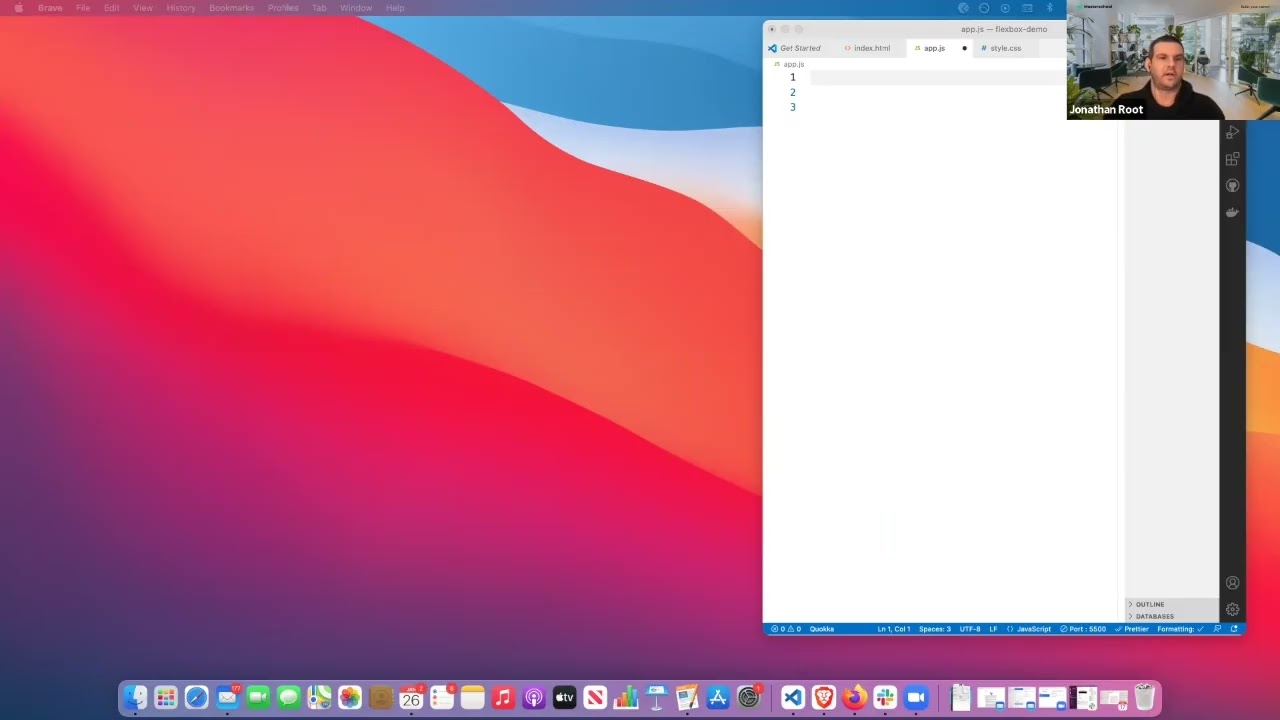
Edited highlights from the live Landing Page project open gym session at Masterschool.
Reflection
What live debugging teaches that demos can't
The Landing Page project asks students to coordinate more browser APIs at once than any project before it. Each one is documented — getBoundingClientRect(), scrollIntoView(), classList.add() and classList.remove() — but the documentation doesn't tell you how they fit together. That's what the session was for.
The unplanned debugging moment with position: sticky ended up being one of the most useful parts. I tried it, it didn't work, I talked through what might be happening, added the WebKit prefix, and it worked. Students who only ever see clean demos can come to believe that experienced developers just know the right answer. Watching the troubleshooting process — reading what the browser does, forming a hypothesis, testing it — is a more accurate picture of how the work actually goes.
3
DOM APIs · one project
getBoundingClientRect · scrollIntoView · classList
querySelector · addEventListener · scroll event
position: sticky · data attributes · active state
Keep Exploring
More project walkthroughs
Interested in working together?
I'm currently available for remote instructional design and eLearning development contracts.