
Mentor · Instructional Design · Loom · Masterschool · Udacity · 2022
Build a Shopping Cart —
Step-by-Step Project Walkthrough
Recorded a step-by-step Loom screencast walkthrough for Masterschool students working through the Build a Shopping Cart project on the Udacity platform — guiding them from project setup through to completion.
The Project
Walking students through a real project, start to finish
Masterschool incorporated the Udacity platform into parts of their curriculum, giving students access to industry-aligned projects alongside their core bootcamp coursework. One of those projects was Build a Shopping Cart — a practical, hands-on exercise that required students to apply their development skills to a real-world feature.
For students navigating an unfamiliar platform and tackling a project without prior context, knowing where to start and how to move through each step is its own challenge — separate from the technical skills themselves. Getting stuck at the setup stage or unsure how to approach the project structure slows learning before it even begins.
I recorded a step-by-step Loom walkthrough that guided students through the full project — from initial setup to final completion — so they could follow along at their own pace, pause and rewind as needed, and work through the project with a clear path forward.
Shopping
Masterschool · Udacity
Mentor · Instructional Design
Loom Screencast Walkthrough
2022
The Walkthrough
One guide, one project, from setup to completion
The walkthrough was scoped to the full Build a Shopping Cart project — giving students a clear path from the first step to the last.
Project Setup
Walking students through how to access the project on the Udacity platform, understand the requirements, and get the local environment ready before writing any code.
Step-by-Step Build
A guided walkthrough of building the shopping cart feature — covering the key steps, decisions, and implementation details students needed to complete the project successfully.
Project Completion
Guidance on finishing the project, reviewing the requirements, and confirming everything is in place before submitting — reducing uncertainty around what "done" actually looks like.
The Approach
Why a screencast works better than written instructions for project work
Written project instructions tell students what to build. A screencast shows them how to build it. For students working through a hands-on coding project on an unfamiliar platform, seeing the full workflow in motion — the setup, the decisions, the progression from step to step — removes the ambiguity that written docs often leave behind.
Loom walkthroughs are especially effective for project-based learning because students can pause at exactly the moment they need to catch up, replay sections they didn't fully follow, and move at their own pace without waiting for a live session.
This mirrors the approach that works in workplace AI adoption training: meet people at the moment of confusion with something specific, visual, and immediately actionable — rather than documentation they have to translate into action on their own.
Curriculum Contribution
Reviewing the project and contributing changes back to Udacity
Working closely with this project as a mentor gave me a detailed view of the student experience — including where the project itself had gaps, unclear instructions, or issues that were creating unnecessary friction for learners. Part of my role at Masterschool extended into reviewing the curriculum materials directly and identifying improvements that could be made upstream.
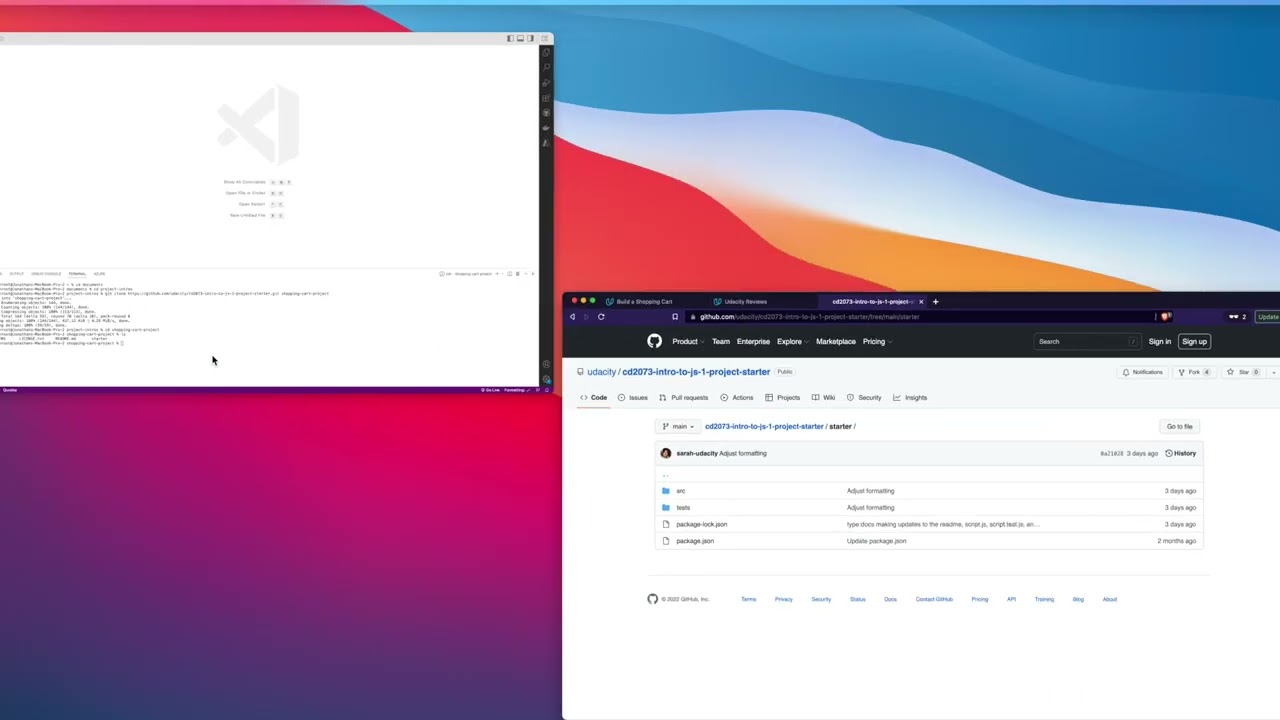
I submitted those changes to Udacity via GitHub pull requests against the official project starter repository. Both pull requests were reviewed and merged by Sarah, a curriculum manager at Udacity and Masterschool's point of contact — a direct collaboration between mentoring practice and curriculum development at the platform level.
Screencast Guide
Watch the Walkthrough
Step-by-step Loom guide recorded for Masterschool students working through the Build a Shopping Cart project on Udacity, 2022.
Build a Shopping Cart — Full Project Walkthrough
Reflection
Project walkthroughs are a core part of practical technical training
What this project reinforced is that learners don't just need to know what to build — they need to see how to approach it. The gap between understanding a concept and applying it to a real project is where most learners get stuck, and a step-by-step walkthrough bridges that gap in a way that written instructions rarely do.
Recording this guide as part of my mentoring work at Masterschool was also an exercise in instructional design under real constraints: identifying the decision points where students would most likely get confused, pacing the walkthrough to be followable without being hand-held, and keeping the content focused enough to be useful in one sitting.
Mentor & Instructional Design, Masterschool — Build a Shopping Cart Project Walkthrough, Udacity, 2022.
2022
Masterschool · Udacity
Mentor · Instructional Design
Loom Screencast Walkthrough
Build a Shopping Cart
Keep Exploring
Related Case Studies
Interested in working together?
I'm currently available for remote instructional design and eLearning development contracts.