
Mentor · Live Session · JavaScript · Masterschool · Udacity · 2022
UdaciRacer —
JavaScript Project Walkthrough & Live Q&A
A live project walkthrough session for Masterschool students working through UdaciRacer on the Udacity curriculum — a JavaScript racing game that puts async programming, the Fetch API, and DOM manipulation into practice through a real interactive project.
The Session
Async JavaScript in action through a real game project
UdaciRacer is one of Udacity's intermediate JavaScript projects — a browser-based racing game where students select a track and racer, start a race, and accelerate their car by clicking while competing against API-driven opponents. It's fun on the surface, but the underlying challenge is real: students have to build all the front-end logic that communicates with a pre-built Node.js server they can't modify.
The API is treated as a black box — students can't open it or change it, only make requests to its endpoints to create a race, get car stats like acceleration and top speed, and receive real-time position updates as the race runs. That pattern puts async JavaScript, Promises, and the Fetch API into a context where they have to actually work together to produce something functional.
I led a live walkthrough session that took students from cloning the starter code through getting both terminals running — one for the server, one for the front end — explaining the package.json and node_modules setup, demoing the working app, and walking through the TODO structure in the index.js file where students would write their code.
UdaciRacer
Masterschool · Udacity
Mentor · Live Session
Async JavaScript · Fetch API
March 2022
Session Topics
JavaScript concepts applied to a real interactive project
UdaciRacer brought together several intermediate JavaScript concepts — the session focused on making those connections clear in the context of a working game.
Project Setup & Two-Terminal Workflow
Walking students through cloning the starter code, running npm install, and getting two terminals running side by side — one for the Node.js server (the provided API), one for the front-end app — before writing a single line of code.
Understanding the Black Box API
Explaining how the pre-built server works as a black box — students can't modify it, only make requests to its endpoints to create a race, retrieve car stats like acceleration and top speed, and get real-time position updates.
Async JavaScript & Promises
Breaking down how async/await and Promises are used throughout the project — and why this pattern matters beyond UdaciRacer, particularly for React development where async patterns appear constantly.
The Three Game Views
Walking through the three UI states students need to build: the racer/track selection form, the live race progress view with the accelerate button, and the final results screen that renders the race outcome.
Starter Code & TODO Structure
Orienting students to the index.js file and its TODO comments — where to write each function, how the provided code structure guides the implementation, and how to approach working through the TODOs in order.
Live Demo & Q&A
Demoing the fully working app — selecting a track and racer, starting the race, accelerating to compete — so students could see what they were building before they started. Questions were fielded throughout the session.
Session Recording
Watch the Walkthrough
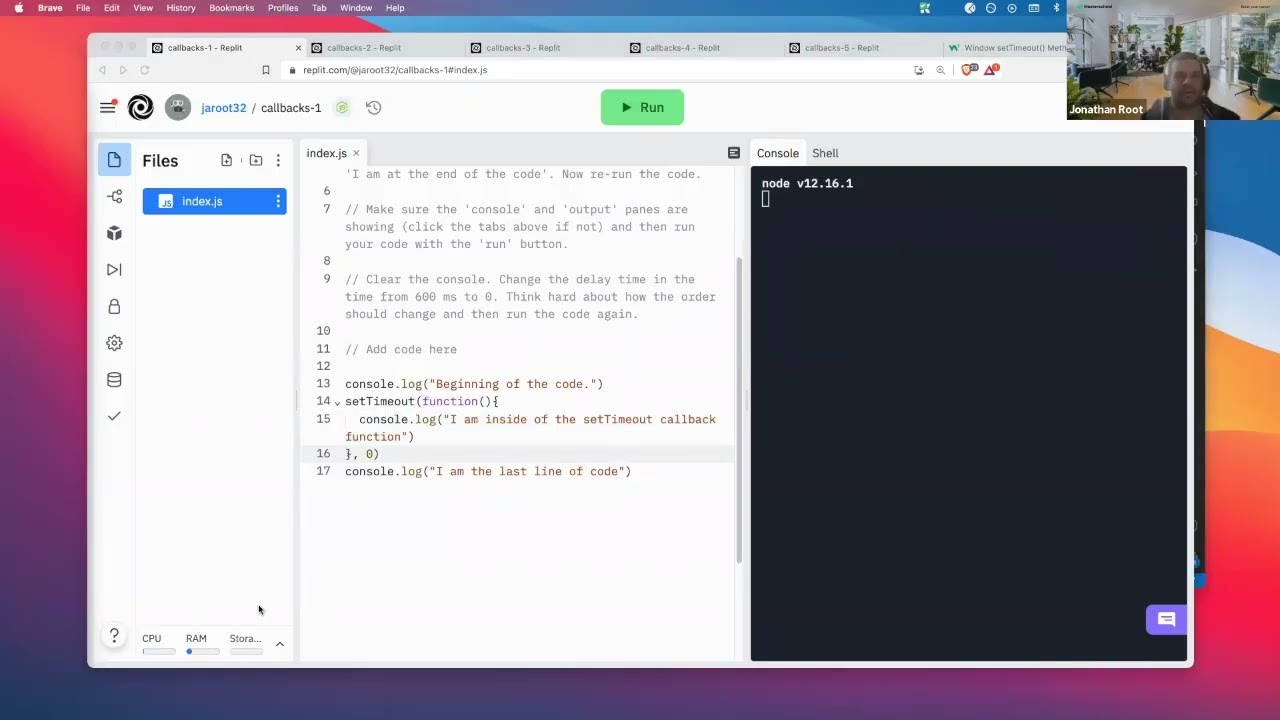
Live project walkthrough and Q&A session for Masterschool students on the UdaciRacer project, March 2022.
UdaciRacer — Async JavaScript, Fetch API & DOM Manipulation
Reflection
Real projects make abstract concepts concrete
UdaciRacer is a great example of project-based learning done well. Async JavaScript is notoriously difficult to teach in the abstract — Promises, async/await, and callback patterns make conceptual sense on paper but only click into place when a learner has to use them to solve a real problem. A racing game gives them that problem in a context that's inherently motivating: something is either working or it isn't, and you can see it.
The live walkthrough format worked well here because the complexity of the project meant students encountered friction at different points. Some got stuck on project setup, others on the async patterns, others on wiring the Fetch responses to the DOM. A live session lets those different stuck points surface in real time and get addressed in context — which is far more effective than a student reading documentation alone and not knowing where their understanding broke down.
Mentor, Masterschool — UdaciRacer Project Walkthrough, Udacity Curriculum, March 2022.
2022
Masterschool · Udacity
Mentor · Live Session
UdaciRacer Project
Async JavaScript · Fetch API
Interested in working together?
I'm currently available for remote instructional design and eLearning development contracts.