
In-Person Instruction · CSS · Chrome DevTools
Web Development Bootcamp —
University of Washington
Classroom instructor for the University of Washington's web development bootcamp, delivered in partnership with Trilogy Education — teaching HTML, CSS, and JavaScript to career-changers through live coding, hands-on exercises, and real-time debugging.
The Role
In-person instruction for career changers
The University of Washington partnered with Trilogy Education to deliver an intensive in-person web development bootcamp for working adults and career-changers. As a classroom instructor, I led live sessions covering core front-end technologies — bringing concepts to life through live coding, browser-based demos, and real-time Q&A.
Sessions were structured around short conceptual explanations followed immediately by hands-on coding exercises — keeping learners active and engaged rather than passively watching a slide deck.
The in-person format required strong improvisational teaching skills — reading the room, adapting pace, and meeting learners where they were in the moment.
The Curriculum
What I covered
Front-end fundamentals taught through live coding, browser tools, and real-world debugging exercises.
CSS Positioning
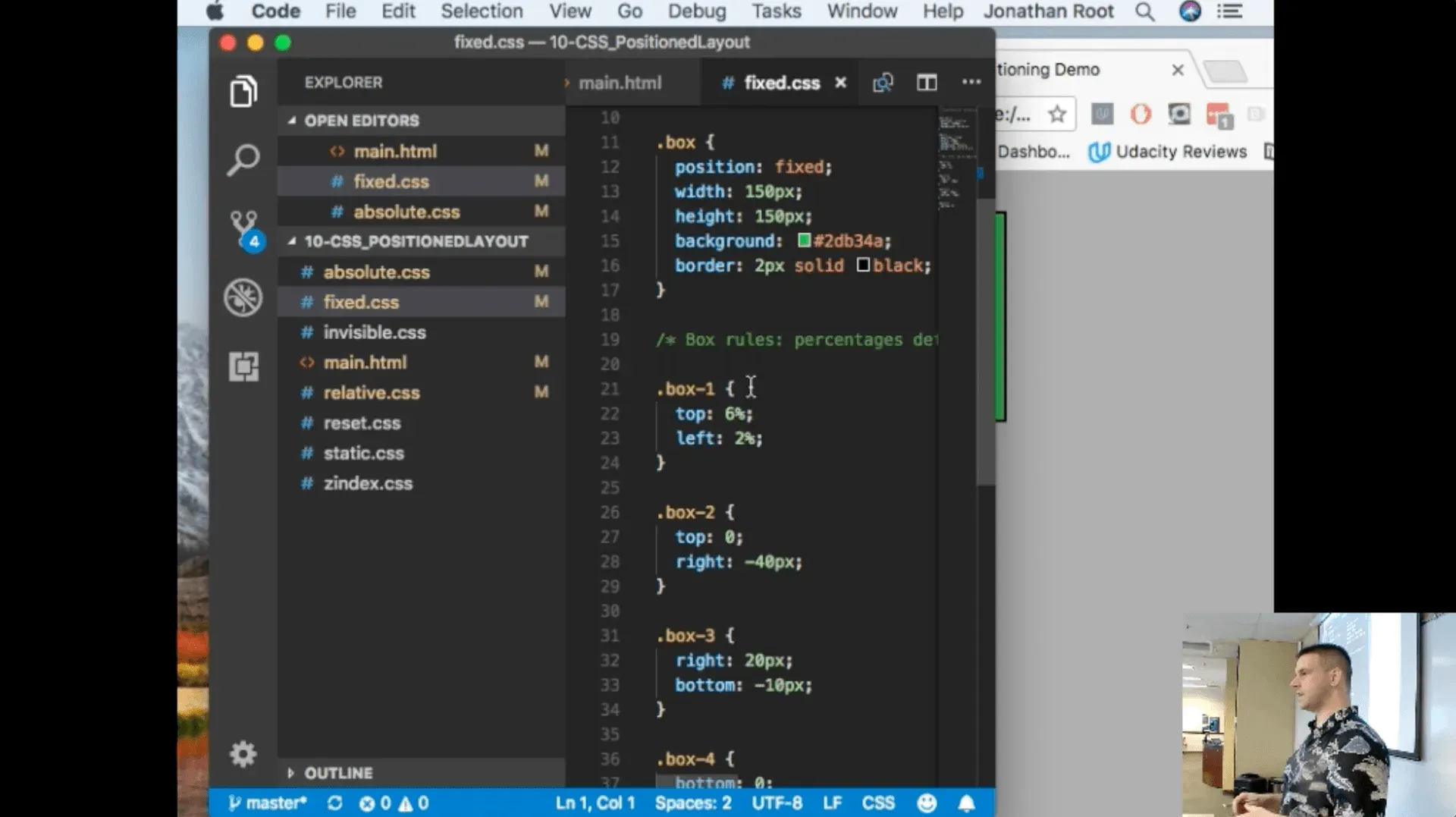
Teaching static, relative, absolute, fixed, and sticky positioning — using live VS Code demos and Chrome DevTools to show exactly how each value affects layout in the browser.
Chrome Inspector
Hands-on use of Chrome DevTools to inspect elements, debug CSS, and understand how the browser interprets and renders HTML and stylesheets in real time.
HTML Structure
Document structure, semantic markup, and how HTML elements relate to one another in the DOM — the foundation for everything built on top.
CSS Fundamentals
The box model, specificity, the cascade, and how stylesheets interact — building mental models that help learners debug their own code independently.
Live Coding Demos
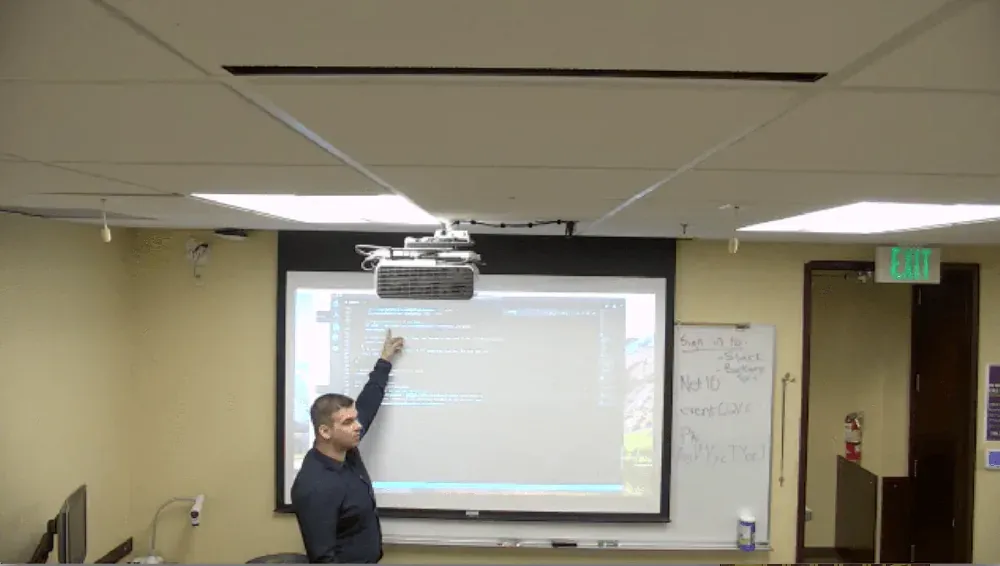
All concepts demonstrated live in VS Code projected on screen — writing code in real time, making mistakes, correcting them, and narrating the thought process throughout.
Real-Time Debugging
Modeling how to approach broken code — using the browser inspector, reading error messages, and working through problems methodically rather than just presenting finished solutions.
In the Classroom
Live code, real feedback
Every session was built around live coding projected on screen. Rather than walking through pre-built examples, I wrote code from scratch in front of the class — demonstrating not just what the end result looks like, but how to think through building it.
For CSS positioning specifically, I paired VS Code with the Chrome Inspector side-by-side so learners could immediately see how changing a CSS property shifted an element's behavior in the browser — making abstract concepts tangible.
This approach — show the process, not just the answer — is a core part of how I design technical learning experiences today.
Classroom Recording
See the Session
A 3-minute excerpt from a live CSS positioning and Chrome Inspector session at the UW bootcamp, 2018.
Reflection
Where in-person teaching shaped my practice
Teaching in-person bootcamp sessions is where I developed the instincts that still shape how I approach learning design. When you're standing in front of a room and someone doesn't understand something, you have to figure out why — and adapt on the spot.
That experience made me a better instructional designer. I learned that the clearest explanation is rarely the most complete one — it's the one that meets the learner where they are, uses the right analogy at the right moment, and shows rather than tells.
Web development bootcamp instruction via Trilogy Education partnership, University of Washington, 2018.
2018
University of Washington
Trilogy Education Partnership
In-Person Bootcamp Instruction
Front-End Web Development
Interested in working together?
I'm currently available for remote instructional design and eLearning development contracts.